Cashless vending
Cashless payments for vending machines
Card, tap, phone and QR — with live sales visibility and a South African team that installs and supports it.
Lead product
The VendBot P5L
Our flagship cashless terminal — built in South Africa, for South African operators.
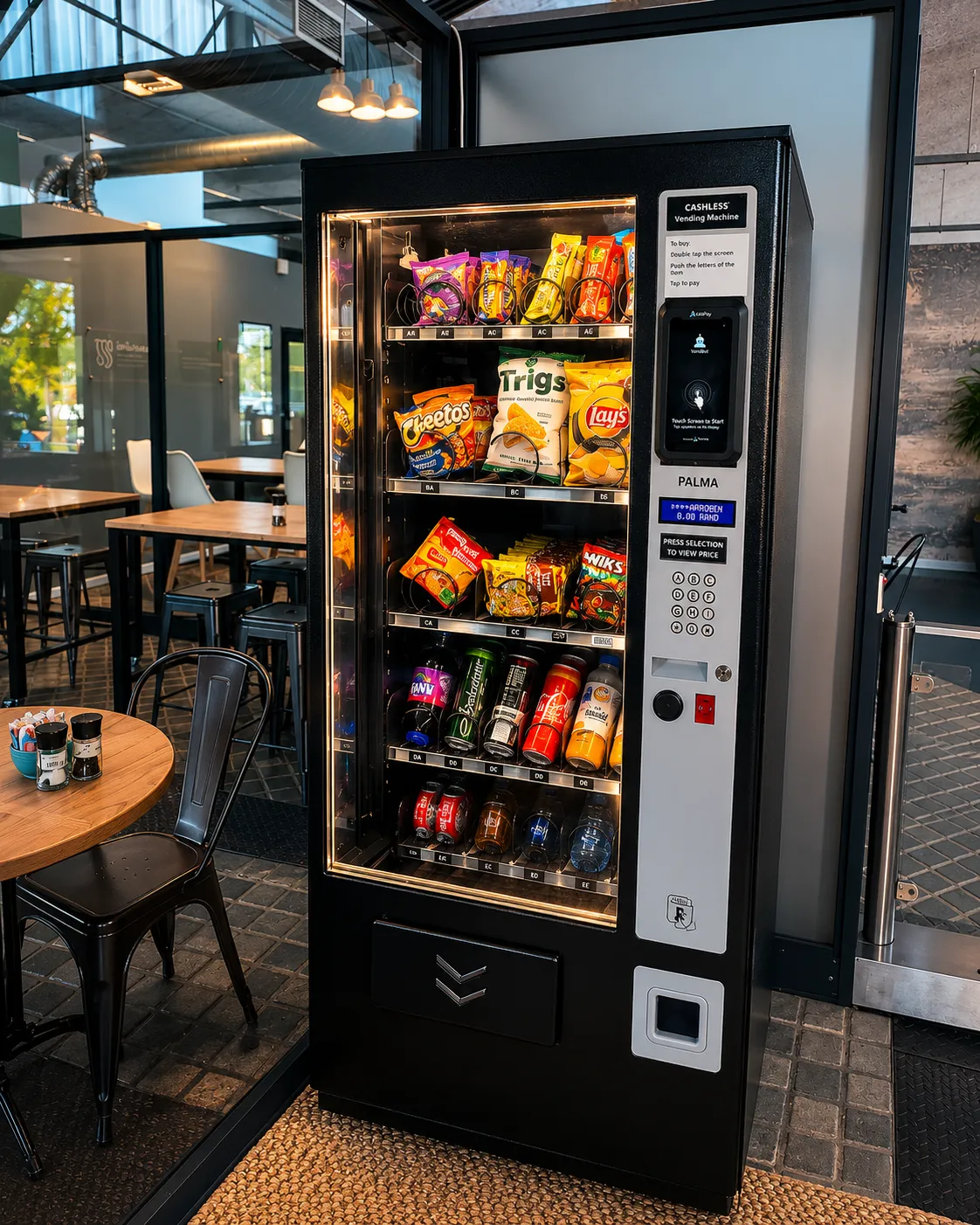
The P5L takes card, contactless tap, phone and smartwatch payments directly at the machine. It connects over the MDB port to the vending controller, so the machine sells exactly as it always has — the customer simply taps instead of hunting for coins.
It also holds two ways onto the network at once — its own mobile data SIM and site WiFi — and switches to whichever is working. That sounds like a footnote until a machine sits in a basement with no signal, or a site changes its WiFi password on a Friday: with one path only, that machine stops earning until someone drives out to it. Nayax readers are SIM-only.
That local part matters more than it sounds. The software is written here, the support desk is in this country and on this time zone, and when a terminal misbehaves on a Friday afternoon the person who can fix it is not in another hemisphere. Payments are processed through AddPay, and we are an AddPay ISO — so the rail underneath is bank-grade and the layer on top is ours.
- Tap to pay — cards, phones and smartwatches
- QR payments, including crypto on supported machines
- 5.5″ multi-touch display, quad-core, 2 GB RAM, 32 GB storage
- Live sales and stock visibility per machine
- Works with existing machines via MDB — no need to replace equipment
- WiFi and mobile data, with automatic failover — if one path drops the terminal keeps trading on the other
- Encrypted transactions, processed through AddPay
- Installed, configured and supported by our own technicians
- Next-day payouts
- T+1 — what you sell today is in your bank tomorrow.
- Onboarding in 48 hours
- AddPay and VendBot handle the paperwork between them.
Pricing is not in the brochure — it depends on how many devices and what they are going on. Ask us for a quote and you will get a real number, not a range.
How it works
How cashless vending actually works
-
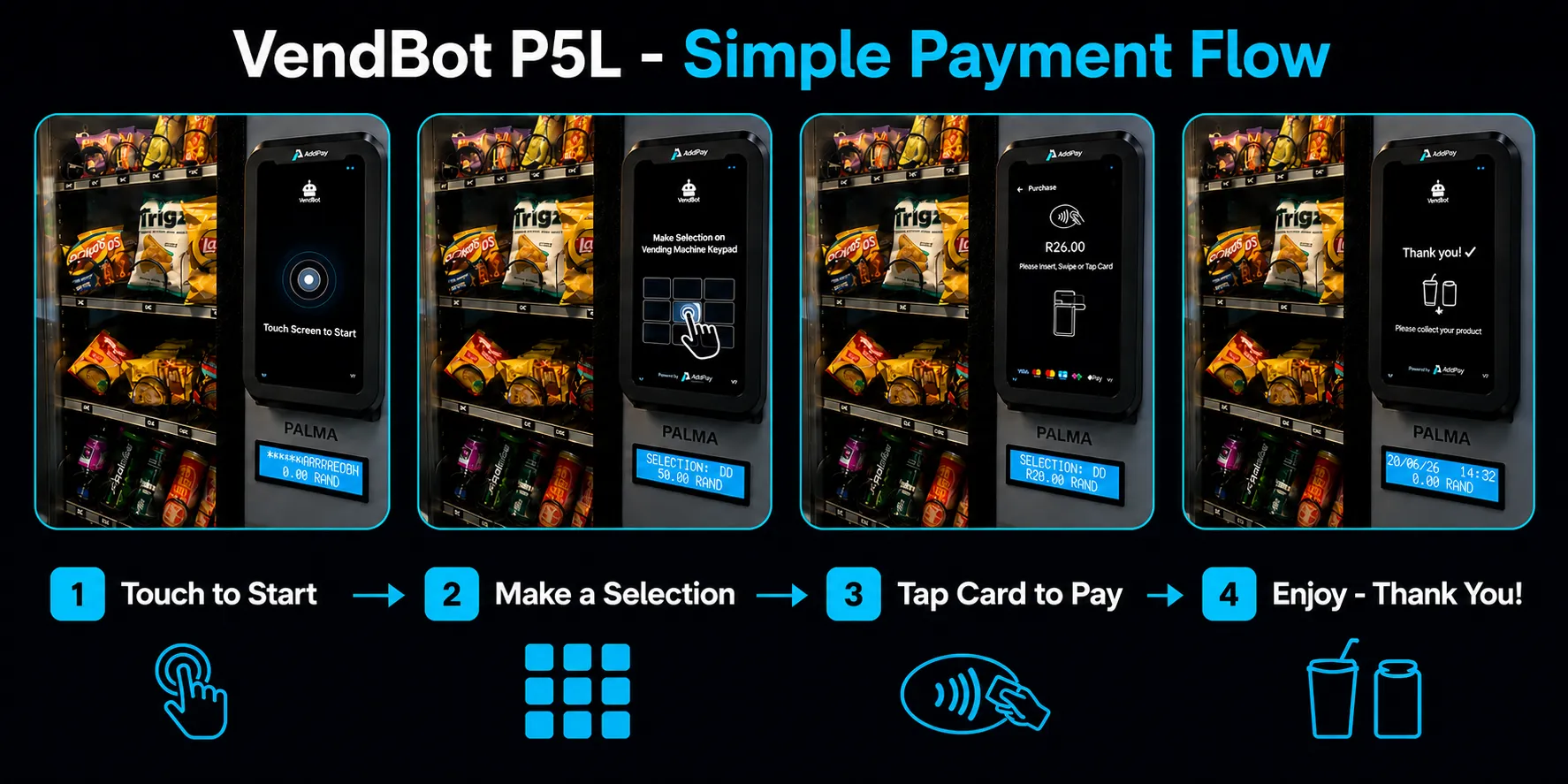
Customer selects
On the machine keypad or touchscreen.
-
Machine requests payment
Over the MDB line — the same protocol the coin mech uses.
-
Customer taps
A card, phone or watch on the reader.
-
Payment authorises
In seconds, over the machine's own connectivity.
-
Product dispenses
And the sale appears in your portal.
In plain English: MDB is the standard vending machines already use to talk to coin and note handlers. A cashless reader plugs into the same line — which is why most existing machines can be upgraded rather than replaced.
Reporting
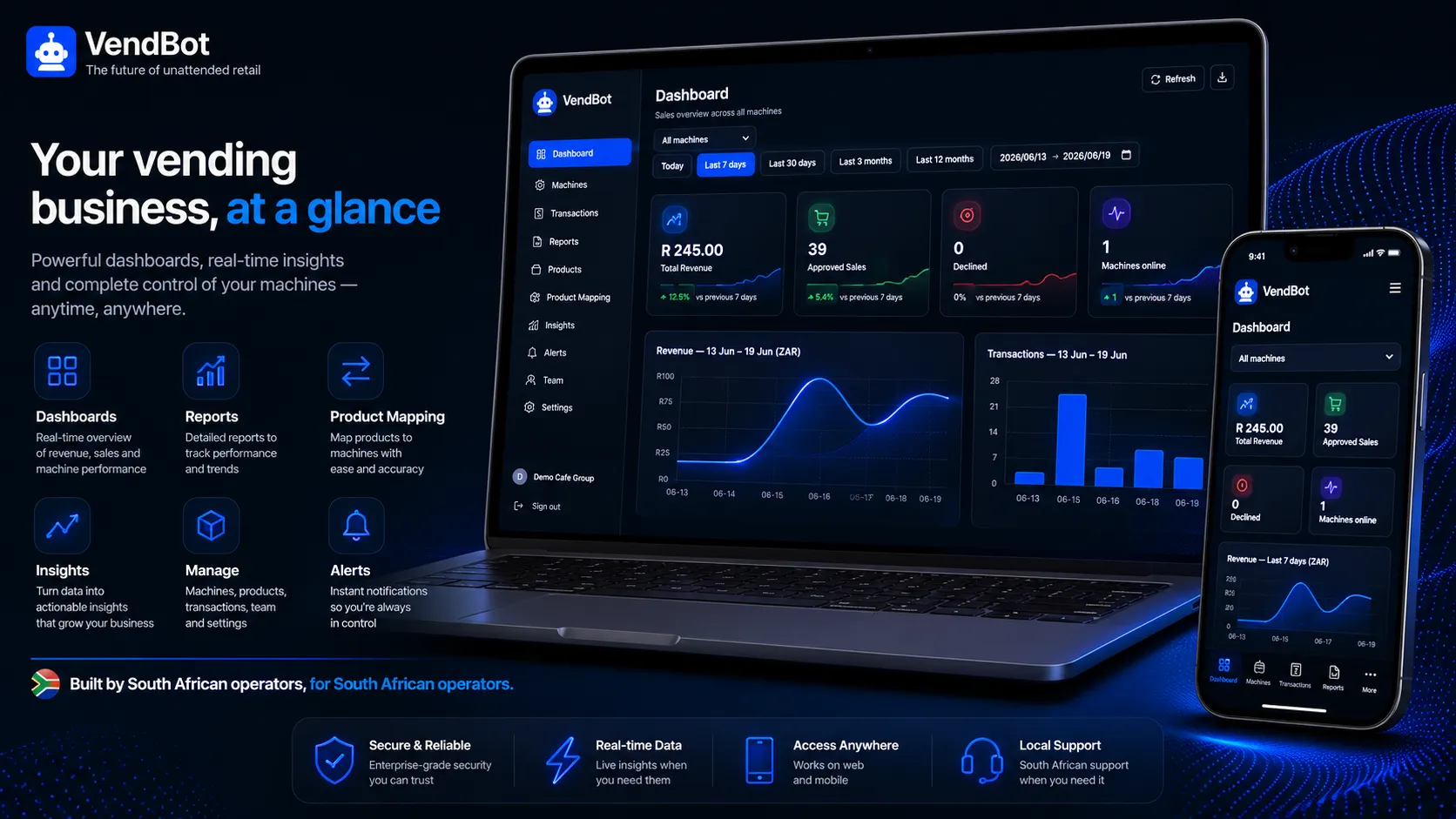
See every sale, without opening the machine
Cash tells you nothing until you count it. Cashless tells you immediately.
-
Sales per machine, per product, per day
Down to the individual selection, not just a daily total.
-
A machine that stops selling tells you
Usually the first sign of a jam, a failed cooler or a sold-out row — days before a visit would have found it.
-
Restock routes built on what actually sold
Visit the machines that need it, in the order that makes sense.
-
Takings reconcile themselves
No cash to count, and no counting error to chase.
Supported hardware
Which readers we support
We are an AddPay ISO and work across the hardware our clients already run.
- Our recommendation
VendBot P5L
If you are buying new, or upgrading a machine that has no reader.
- Built in South Africa, supported locally
- Card, tap, phone, QR — and the VendBot portal
- WiFi and SIM together, with automatic failover
- Fits existing machines over MDB
-
Nayax
If you already run Nayax hardware and want it looked after.
- We install, service and fault-find it
- Including on machines we did not supply
- SIM connectivity only — Nayax cannot use site WiFi
-
Employee benefit cards
If a workplace or school subsidises what staff and learners buy.
- Benefit schemes alongside normal debit and credit
- Workplace and learner programmes
- Fitted to the same machines
Already running something else? Tell us what's on the machine and we'll confirm whether it can be upgraded — send us the make and model.
Already running Nayax?
We install, service and support Nayax
You do not have to change hardware to work with us.
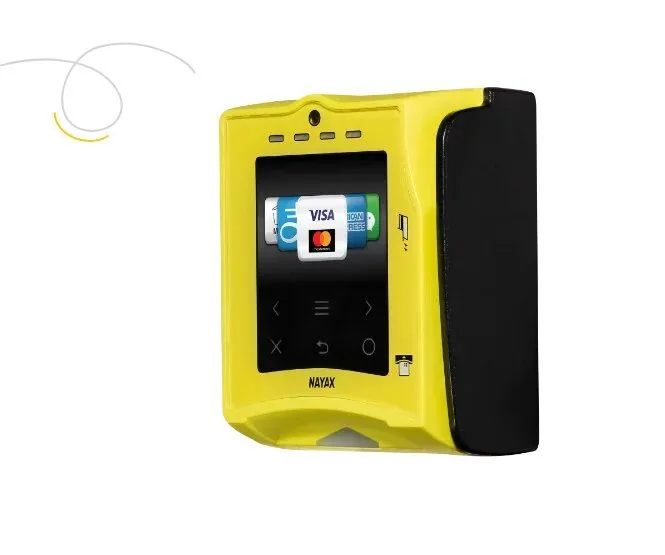
Plenty of South African operators already run Nayax card readers, and there is nothing wrong with them. We install Nayax, service it, and fault-find it on machines we did not supply — the same as any other reader on the line.
With a Nayax reader you get contactless card, tap and mobile payments at the machine, real-time sales tracking, and remote management — so you can see how a site is trading without standing in front of it.
Where we will say something is on compatibility. Not every machine can take every reader, and the honest answer is sometimes no. One of our customers came to us wanting a Nayax VPOS for a machine that could not accept it, and the useful thing we did was test it first and tell them so before they spent the money. Send us the make and model and we will check.
Not only cashless
We still fit and service cash handling
Going cashless is usually the right call, but it is not the only option and it rarely happens overnight. Most machines run both for a while.
-
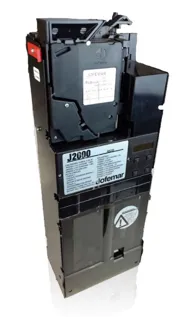
Coin mechanisms
Accept and give change in all South African coin denominations.
-
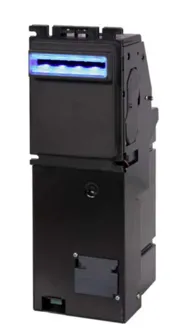
Note readers
Accept all South African notes, with validation and secure storage.
Worth knowing before you decide: a cash box is the reason a machine gets broken into, and cash tells you what sold weeks later, when you count it. Cashless tells you the same day. We will fit either — we just would rather you chose knowing that.
Proof
Working in the field
-
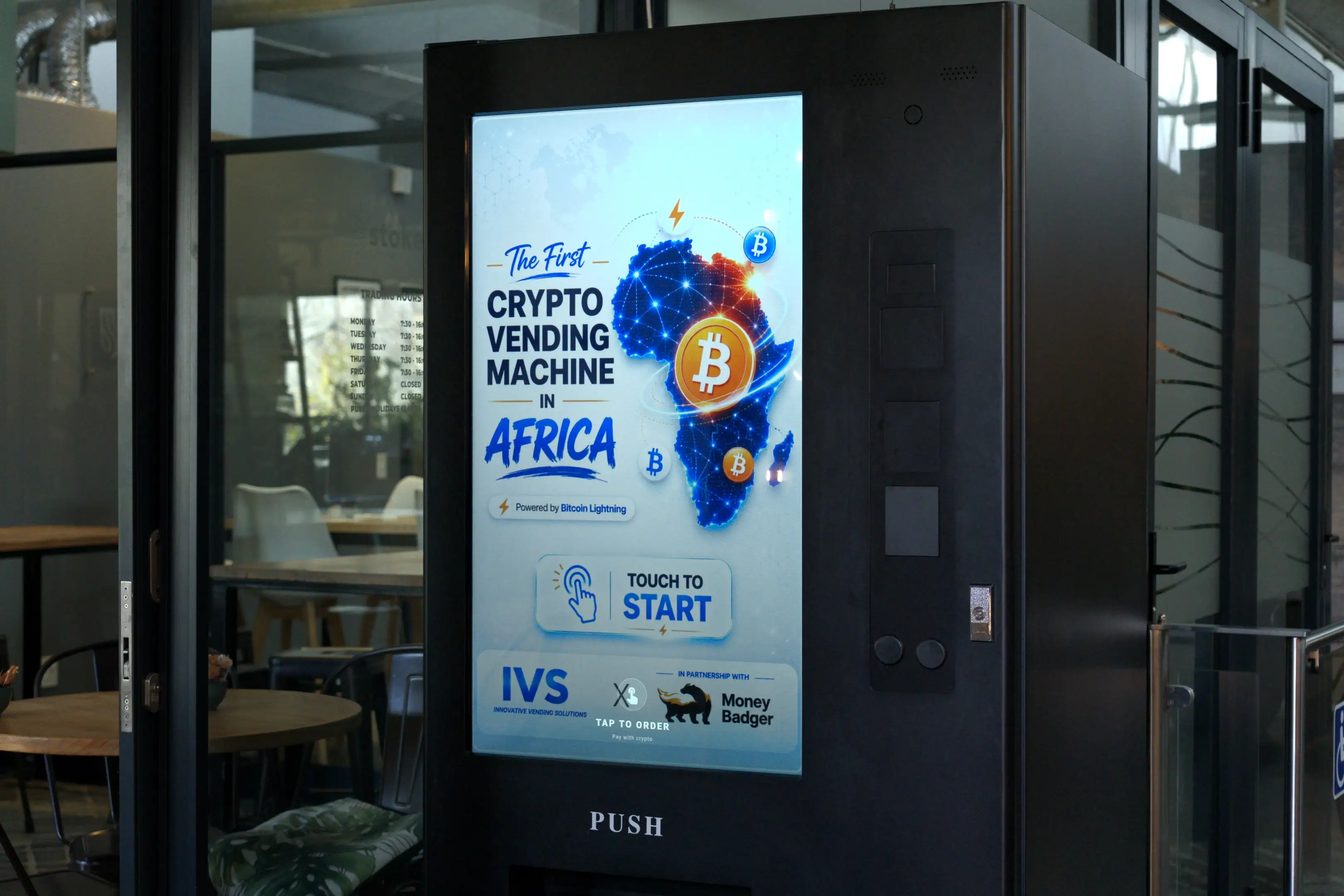
Africa's first crypto-enabled vending machine
Built with MoneyBadger on our Touch Media 4, in Stellenbosch. Tap, select, scan, pay with Bitcoin Lightning. Covered by The African Startup Magazine.
Read the case study →
-
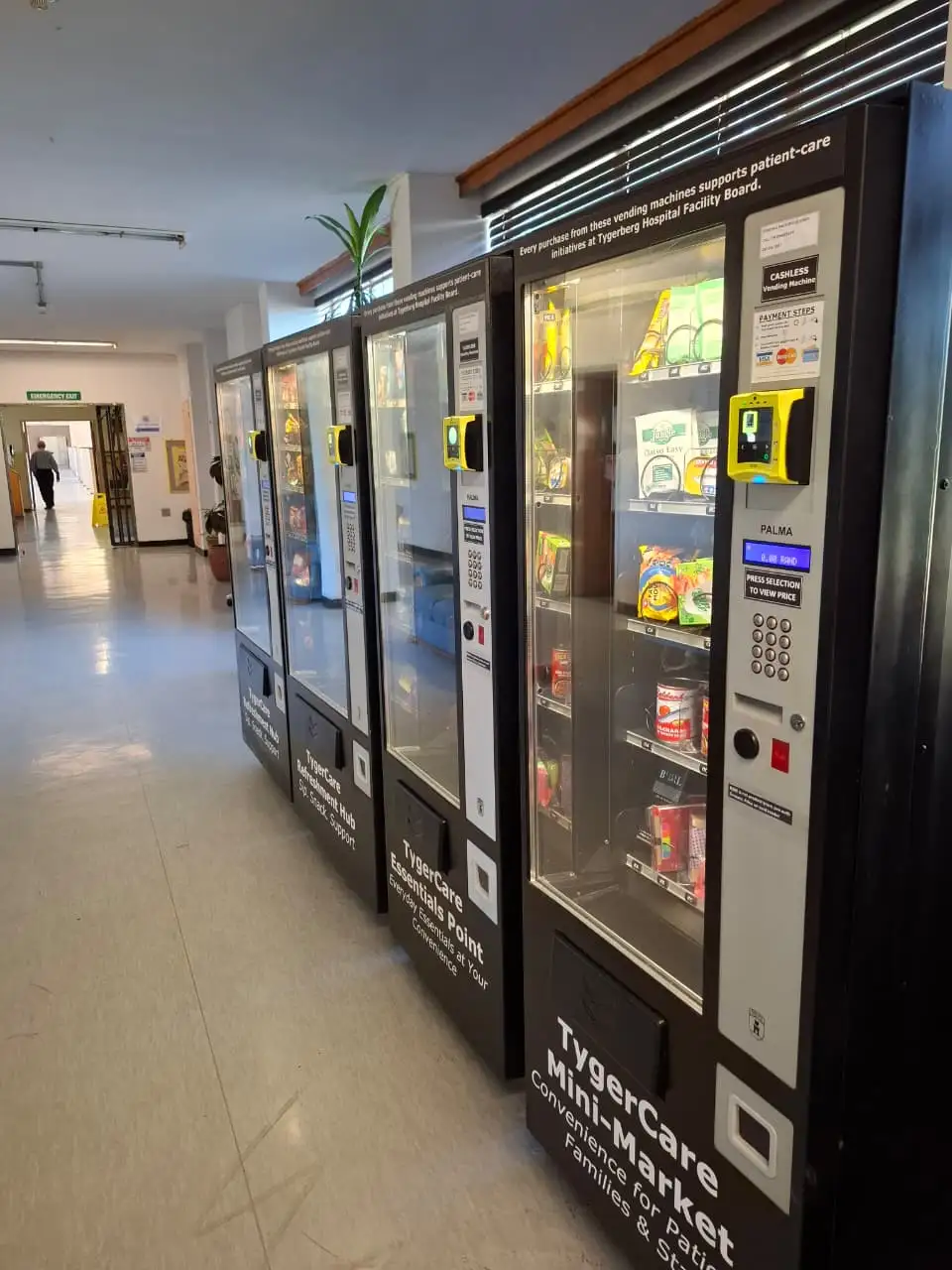
Employee benefit card payments
An elevator-lift fresh-food machine accepting benefit cards alongside standard debit and credit — running on the TygerCare machines at Tygerberg Hospital.
Read the case study →
Questions
Common questions about cashless vending
Can I add card payments to my existing vending machine?
Usually yes. If the machine has an MDB port — most modern machines do — a cashless reader can be fitted without replacing it. Send us the make and model and we’ll confirm.
Do I still need coins?
No, but you can keep them. Machines can run cashless-only or accept both.
How do I get the money?
Card takings settle into your bank account through the acquirer. Transactions appear in your portal as they happen.
Does it need WiFi?
No — but the P5L can use it. It ships with its own mobile data SIM, so it works on a site with no network at all. It can also connect to WiFi, and it uses whichever is healthier: if the WiFi drops it falls back to the SIM, and if mobile signal is poor indoors it uses the WiFi. Two independent paths, so a connectivity problem does not stop the machine taking money. Nayax readers cannot connect over WiFi — they are SIM-only.
What does it cost?
Pricing depends on the terminal, the number of machines and the transaction volume. See our pricing page for indicative ranges, or ask us for a quote.
What if it stops working?
Our technicians support what we install. Log a call and we’ll respond — see our service standards.
More detail on pricing and service standards. Buying a new machine instead? See machines for sale and rentals.
Add cashless to your machines
Tell us what machines you run and we'll confirm what's possible.